
Description
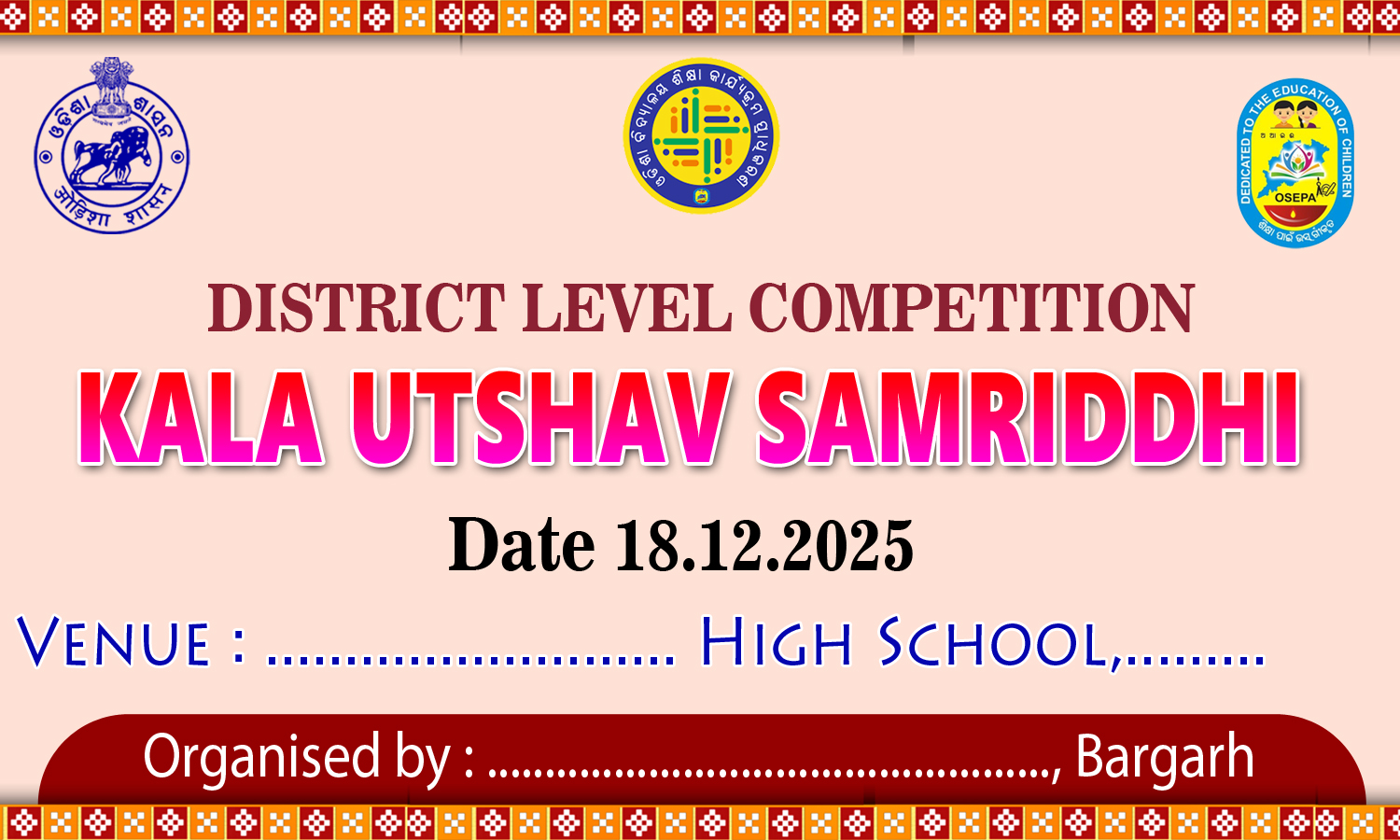
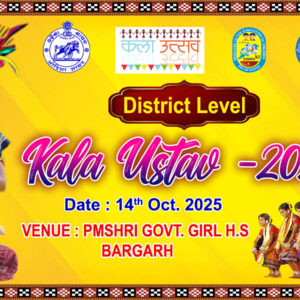
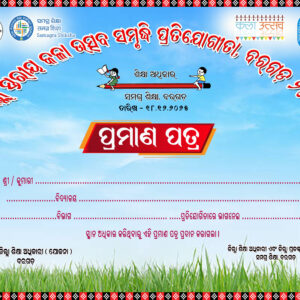
The Kala Utsava Samrudhi banner design crafted in Photoshop is a vibrant and expressive visual representation that celebrates the rich tapestry of arts and culture. This design uniquely integrates various elements to create an impactful banner, showcasing the essence of the festival. Here’s an overview of the creative process and features involved in the design:
Design Elements
- Dynamic Color Palette:
- The banner employs a rich and dynamic color palette that reflects the vibrancy of cultural arts. Bold colors like deep reds, royal blues, bright yellows, and lush greens are used to evoke energy and enthusiasm, symbolizing joy and creativity.
- Layered Composition:
- Utilizing Photoshop’s layering capabilities, different elements can be arranged in a multi-dimensional manner. Each layer can represent different artistic components, such as musical instruments, dance forms, or visual arts, representing the multifaceted nature of the festival.
- Custom Typography:
- The title “Kala Utsava Samrudhi” is designed using custom typography that reflects traditional styles while ensuring modern legibility. The font may be embellished with artistic effects or gradients to make it stand out against the background.
- Incorporation of Art Imagery:
- High-quality images of performances, artworks, and crafts are seamlessly integrated into the banner. These images can be manipulated using blending modes to create a cohesive visual flow, capturing the essence of the festival and highlighting the diversity of artistic expressions.
- Textured Background:
- A textured background adds depth and interest to the design. Techniques such as adding a canvas or watercolor texture can bring an organic feel that resonates with the theme of art and creativity. This approach adds dimension and enhances the overall aesthetic of the banner.
- Visual Hierarchy:
- Through careful placement of text and images, the design maintains a clear visual hierarchy, guiding the viewer’s eye from the title to the event details. This organization ensures that the key information about the event is readily accessible and highlighted.
Design Process in Photoshop
- Setup:
- The design process begins with setting up the canvas in Photoshop with the right dimensions for print or digital use. This allows for high-resolution output, crucial for showcasing finer details in the artwork.
- Image Selection and Editing:
- Curating and editing images of performers, art forms, and cultural symbols using tools like the Pen Tool for precise cutouts and adjustment layers for color correction is essential for visual appeal.
- Creating Backgrounds:
- Utilizing brushes and textures available in Photoshop, artists can create unique backgrounds that resonate with the theme. This step involves experimenting with gradients, overlays, and blending options.
- Typography Customization:
- Text elements are added, and their style is customized using Layer Styles, such as drop shadows, strokes, and glows, to enhance visibility and creative flair.
- Final Touches:
- The design is finalized by adjusting overall colors, contrast, and saturation. This step often includes adding graphical elements like lines or shapes to frame the content or separate different sections.
- Export and Distribution:
- Once complete, the banner is exported in various formats (JPEG, PNG, PDF) suitable for both digital and print media, ensuring versatility for marketing and promotional purposes.
Conclusion
The Kala Utsava Samrudhi banner design showcases the incredible capabilities of Photoshop in creating visually appealing artwork. By blending vibrant colors, artistic imagery, and thoughtful typography, this banner serves as a celebration of culture and creativity, inviting the community to participate in and appreciate the richness of the arts. The result is not just a banner, but a canvas that embodies the spirit and vibrancy of the festival, effectively communicating the joy and significance of the event.
Reviews
There are no reviews yet.