Previous
Previous Product Image

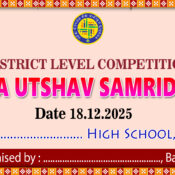
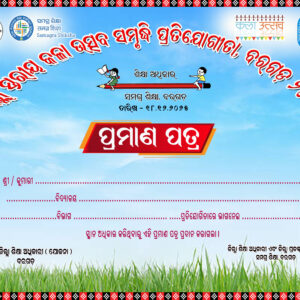
KALA UTSAVA SAMRUDHI BANNER DESIGN

Original price was: ₹90.00.Current price is: ₹30.00.
Next

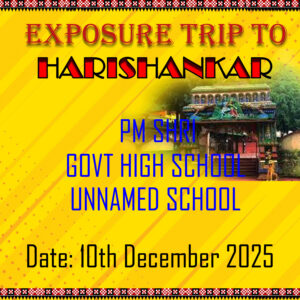
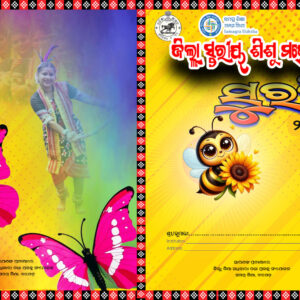
EXPOSURE TRIP TO HARI SHANKAR DESIGN WITHOUT ODIA

Original price was: ₹90.00.Current price is: ₹30.00.
Next Product Image

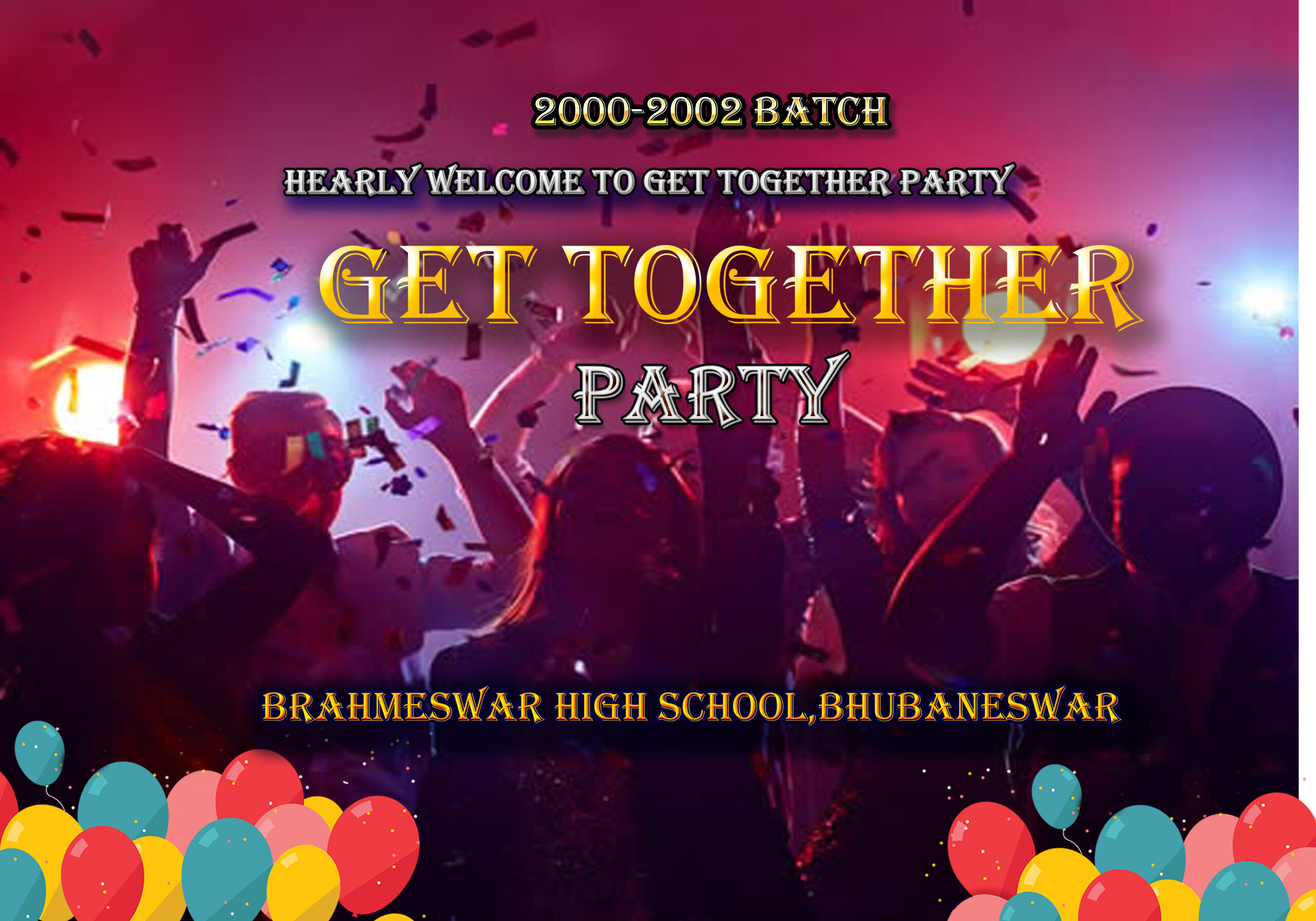
GET TOGETHER PARTY COLLEGE DESIGN

Original price was: ₹90.00.Current price is: ₹30.00.

he Get Together Party Design created in Photoshop is a lively and engaging visual that embodies the spirit of camaraderie, celebration, and joy. This design is thoughtfully crafted to encapsulate the essence of a social gathering, making it perfect for invitations, posters, or digital announcements for events. Below is a description of the creative elements and processes that contribute to this design.

Design Elements

  1. Festive Color Palette:
    • The design utilizes a bright and cheerful color palette, featuring shades like vibrant pinks, sunny yellows, refreshing greens, and accents of purple or blue. These colors set a festive tone and evoke feelings of excitement and warmth, inviting guests to join in the celebration.
  2. Dynamic Layout:
    • The layout of the design is structured to grab attention and showcase the details of the event clearly. Key information, such as the date, time, and venue, is prominently displayed, ensuring that viewers can quickly grasp the essentials of the gathering.
  3. Custom Typography:
    • A playful and modern font is used for the text, combined with creative typographic arrangements that emphasize important details. Fonts can range from bold and quirky to elegant and flowing, depending on the theme of the event, adding character to the overall design.
  4. Incorporation of Graphics:
    • The design includes playful graphic elements such as balloons, confetti, party hats, or streamers, which enhance the celebratory vibe. These graphics can be arranged in a way that frames the central text, creating a sense of movement and festivity.
  5. Background Patterns and Textures:
    • A vibrant background pattern, such as abstract shapes or soft gradients, can add depth and visual interest to the design. Textures like glitter or faux watercolor can also be employed to give a dynamic look, helping the design to stand out and feel more lively.
  6. Visual Hierarchy:
    • A clear visual hierarchy is established through size, color, and placement. This makes it easy for the viewer to identify primary information at a glance, guiding them through the event details in a logical flow.

Design Process in Photoshop

  1. Canvas Setup:
    • The design process begins by creating a canvas in Photoshop tailored to the required dimensions for print or digital formats, ensuring high resolution for clarity and impact.
  2. Image Selection and Editing:
    • If applicable, selecting and editing images or graphics that resonate with the party theme is crucial. The use of clipping masks and adjustment layers can create a cohesive look and feel.
  3. Background Creation:
    • The background layer is developed using a combination of colors, patterns, and textures. Photoshop brushes can be used to add unique effects, bringing the background to life and setting the perfect stage for the party elements.
  4. Typography Integration:
    • Text elements are carefully added with creative typography choices, using layer styles (such as shadows, glows, and strokes) to enhance readability and artistic flair.
  5. Adding Graphics and Decorations:
    • Fun graphics such as confetti, balloons, or other party icons are layered into the design. Photoshop allows for effective placement and resizing of these elements for balance and harmony.
  6. Final Adjustments:
    • After all components are placed, final adjustments are made to colors, contrasts, and overall composition. This step may include subtle tweaking to ensure each element harmonizes well and maintains visual appeal.
  7. Exporting the Design:
    • Once completed, the final design is exported in suitable formats for distribution, whether digital platforms or print media. Options may include PNG, JPEG, or PDF formats, ensuring versatility for sharing.
Add to Wishlist
Add to Wishlist
Category:

Description

he Get Together Party Design created in Photoshop is a lively and engaging visual that embodies the spirit of camaraderie, celebration, and joy. This design is thoughtfully crafted to encapsulate the essence of a social gathering, making it perfect for invitations, posters, or digital announcements for events. Below is a description of the creative elements and processes that contribute to this design.

Design Elements

  1. Festive Color Palette:
    • The design utilizes a bright and cheerful color palette, featuring shades like vibrant pinks, sunny yellows, refreshing greens, and accents of purple or blue. These colors set a festive tone and evoke feelings of excitement and warmth, inviting guests to join in the celebration.
  2. Dynamic Layout:
    • The layout of the design is structured to grab attention and showcase the details of the event clearly. Key information, such as the date, time, and venue, is prominently displayed, ensuring that viewers can quickly grasp the essentials of the gathering.
  3. Custom Typography:
    • A playful and modern font is used for the text, combined with creative typographic arrangements that emphasize important details. Fonts can range from bold and quirky to elegant and flowing, depending on the theme of the event, adding character to the overall design.
  4. Incorporation of Graphics:
    • The design includes playful graphic elements such as balloons, confetti, party hats, or streamers, which enhance the celebratory vibe. These graphics can be arranged in a way that frames the central text, creating a sense of movement and festivity.
  5. Background Patterns and Textures:
    • A vibrant background pattern, such as abstract shapes or soft gradients, can add depth and visual interest to the design. Textures like glitter or faux watercolor can also be employed to give a dynamic look, helping the design to stand out and feel more lively.
  6. Visual Hierarchy:
    • A clear visual hierarchy is established through size, color, and placement. This makes it easy for the viewer to identify primary information at a glance, guiding them through the event details in a logical flow.

Design Process in Photoshop

  1. Canvas Setup:
    • The design process begins by creating a canvas in Photoshop tailored to the required dimensions for print or digital formats, ensuring high resolution for clarity and impact.
  2. Image Selection and Editing:
    • If applicable, selecting and editing images or graphics that resonate with the party theme is crucial. The use of clipping masks and adjustment layers can create a cohesive look and feel.
  3. Background Creation:
    • The background layer is developed using a combination of colors, patterns, and textures. Photoshop brushes can be used to add unique effects, bringing the background to life and setting the perfect stage for the party elements.
  4. Typography Integration:
    • Text elements are carefully added with creative typography choices, using layer styles (such as shadows, glows, and strokes) to enhance readability and artistic flair.
  5. Adding Graphics and Decorations:
    • Fun graphics such as confetti, balloons, or other party icons are layered into the design. Photoshop allows for effective placement and resizing of these elements for balance and harmony.
  6. Final Adjustments:
    • After all components are placed, final adjustments are made to colors, contrasts, and overall composition. This step may include subtle tweaking to ensure each element harmonizes well and maintains visual appeal.
  7. Exporting the Design:
    • Once completed, the final design is exported in suitable formats for distribution, whether digital platforms or print media. Options may include PNG, JPEG, or PDF formats, ensuring versatility for sharing.

Reviews

There are no reviews yet.

Be the first to review “GET TOGETHER PARTY COLLEGE DESIGN”

Your email address will not be published. Required fields are marked *

Shopping cart

0
image/svg+xml

No products in the cart.

Continue Shopping